Claude Code
一、如何在 Vscode CC 插件中使用 Psytron
Windows
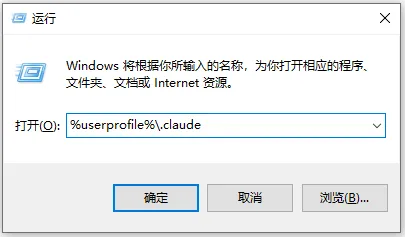
打开配置目录:%userprofile%\.claude
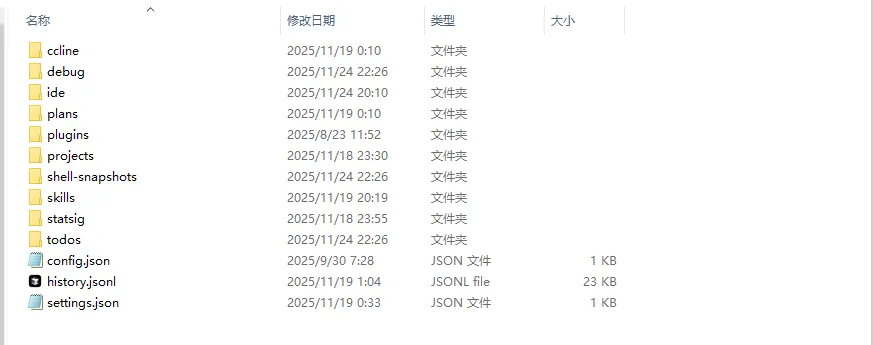
在 config.json 中写入:
{
  "primaryApiKey": "PsytronApi"
}
MacOS
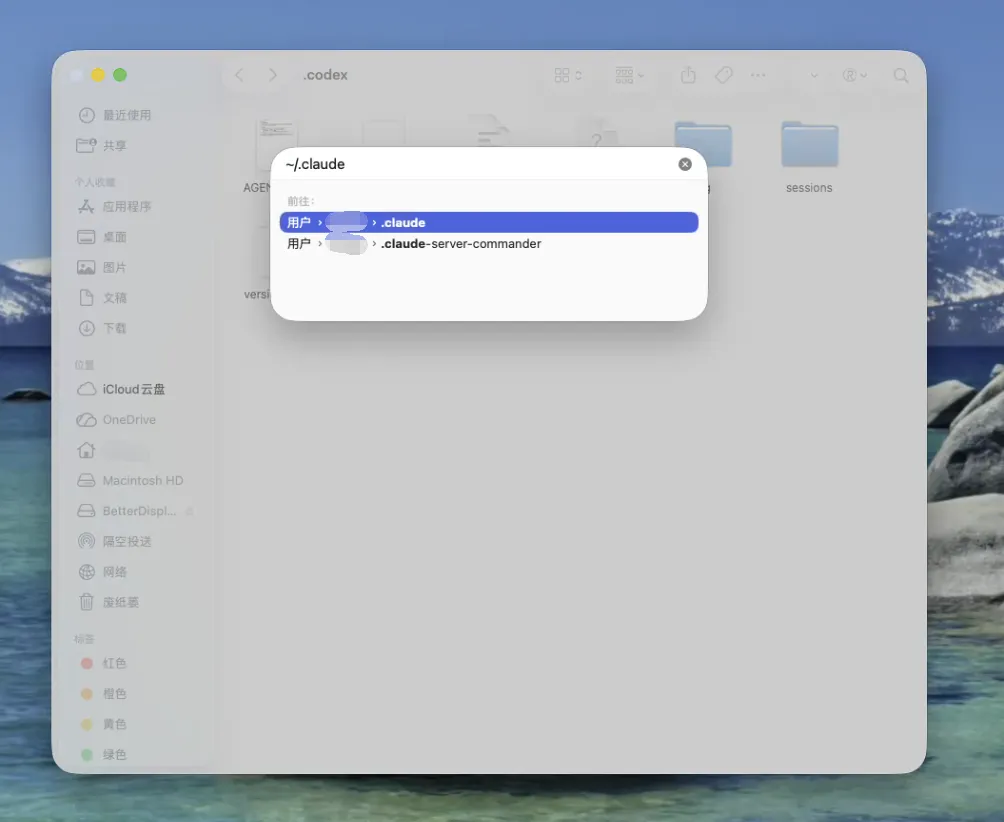
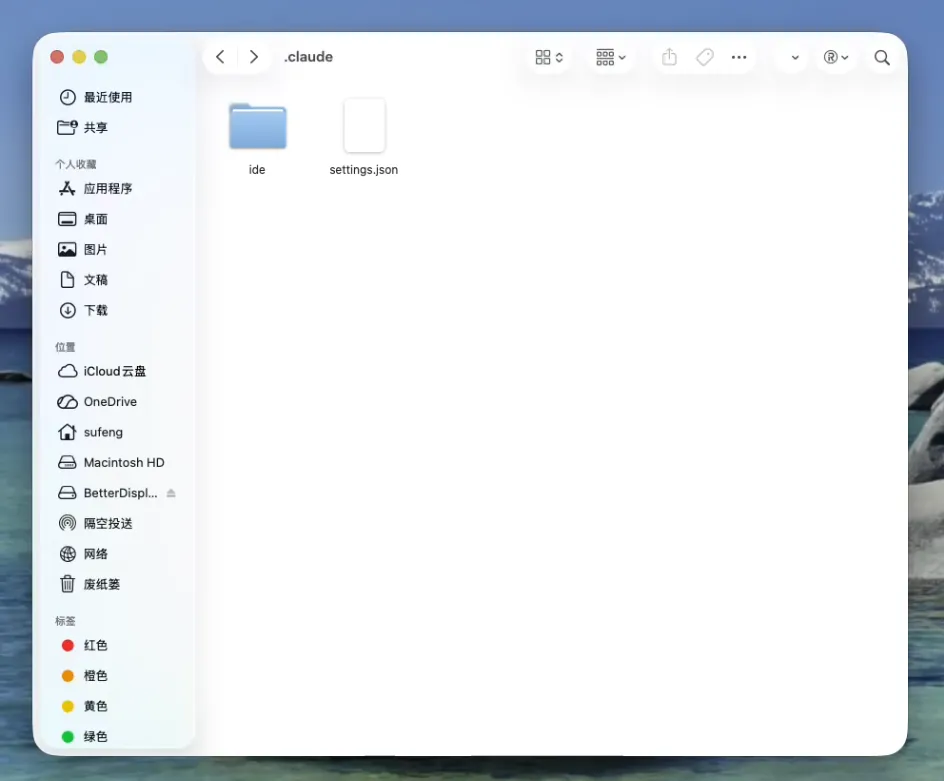
在访达中 Command+Shift+G,输入:~/.claude
二、Claude Code 中常用命令
| 命令 | 功能说明 |
|---|---|
| /claude | 启动交互式 REPL |
| /claude -p "解释这个函数" | 一次性问答模式 |
| /claude -c | 继续最近会话 |
| /claude -r "abc123" | 通过会话ID恢复 |
| /claude update | 更新 Claude Code CLI |
| /claude mcp | 管理 MCP 服务器 |
| /claude --model sonnet | 指定模型 |
| /claude --verbose | 打开详细日志 |
| /claude --continue | 继续上次对话 |
三、Claude Code 无法连接到 Anthropic 服务
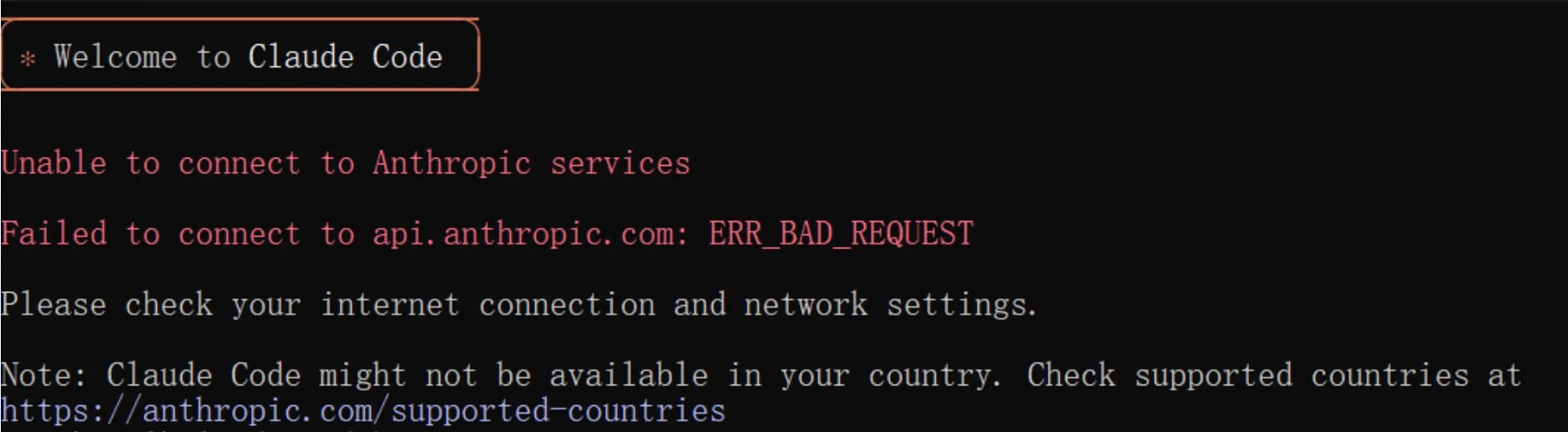
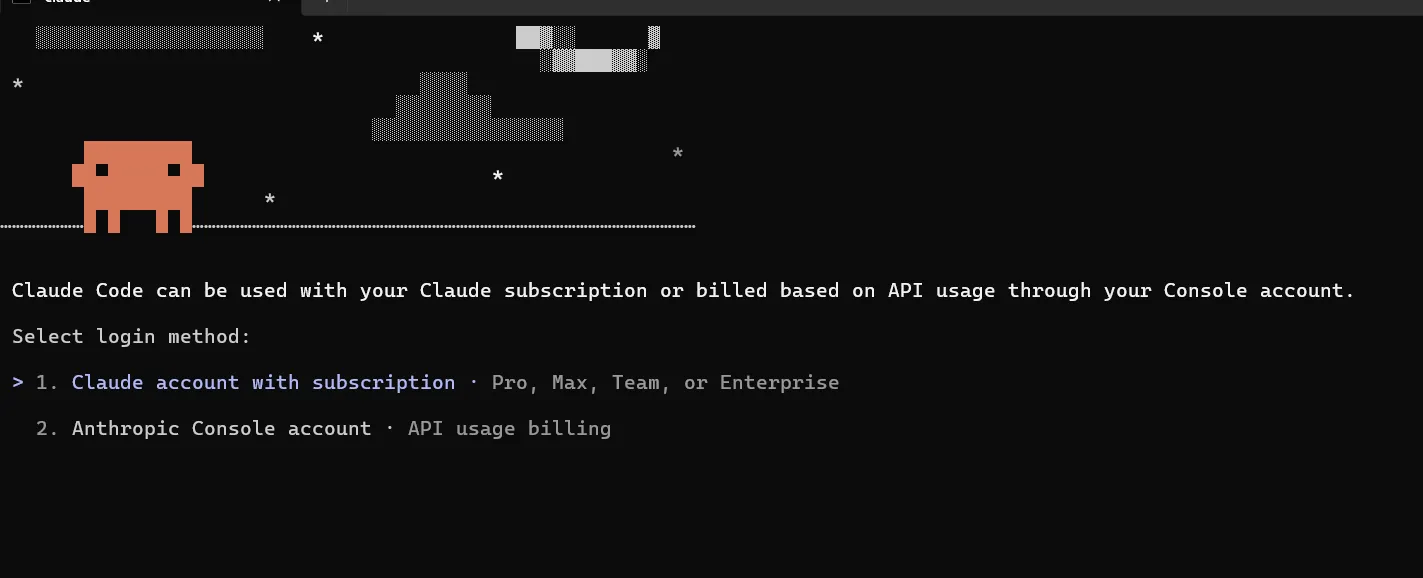
Windows
powershell -Command "$f='%USERPROFILE%\.claude.json';$j=Get-Content $f|ConvertFrom-Json;$j|Add-Member -NotePropertyName 'hasCompletedOnboarding' -NotePropertyValue $true -Force;$j|ConvertTo-Json|Set-Content $f"MacOS
jq '. + {"hasCompletedOnboarding": true}' ~/.claude.json > /tmp/tmp.json && mv /tmp/tmp.json ~/.claude.json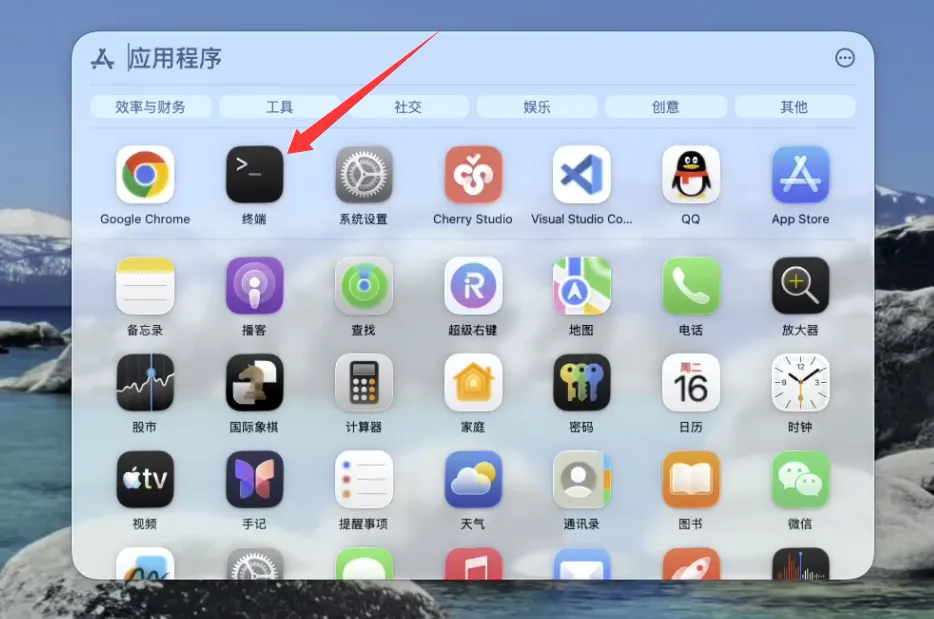
四、Claude Code 如何切换回 200K 上下文
{
  "env": {
    "CLAUDE_CODE_DISABLE_1M_CONTEXT": "1",
    "CLAUDE_CODE_DISABLE_NONESSENTIAL_TRAFFIC": "1",
    "CLAUDE_CODE_DISABLE_TERMINAL_TITLE": "1"
  }
}